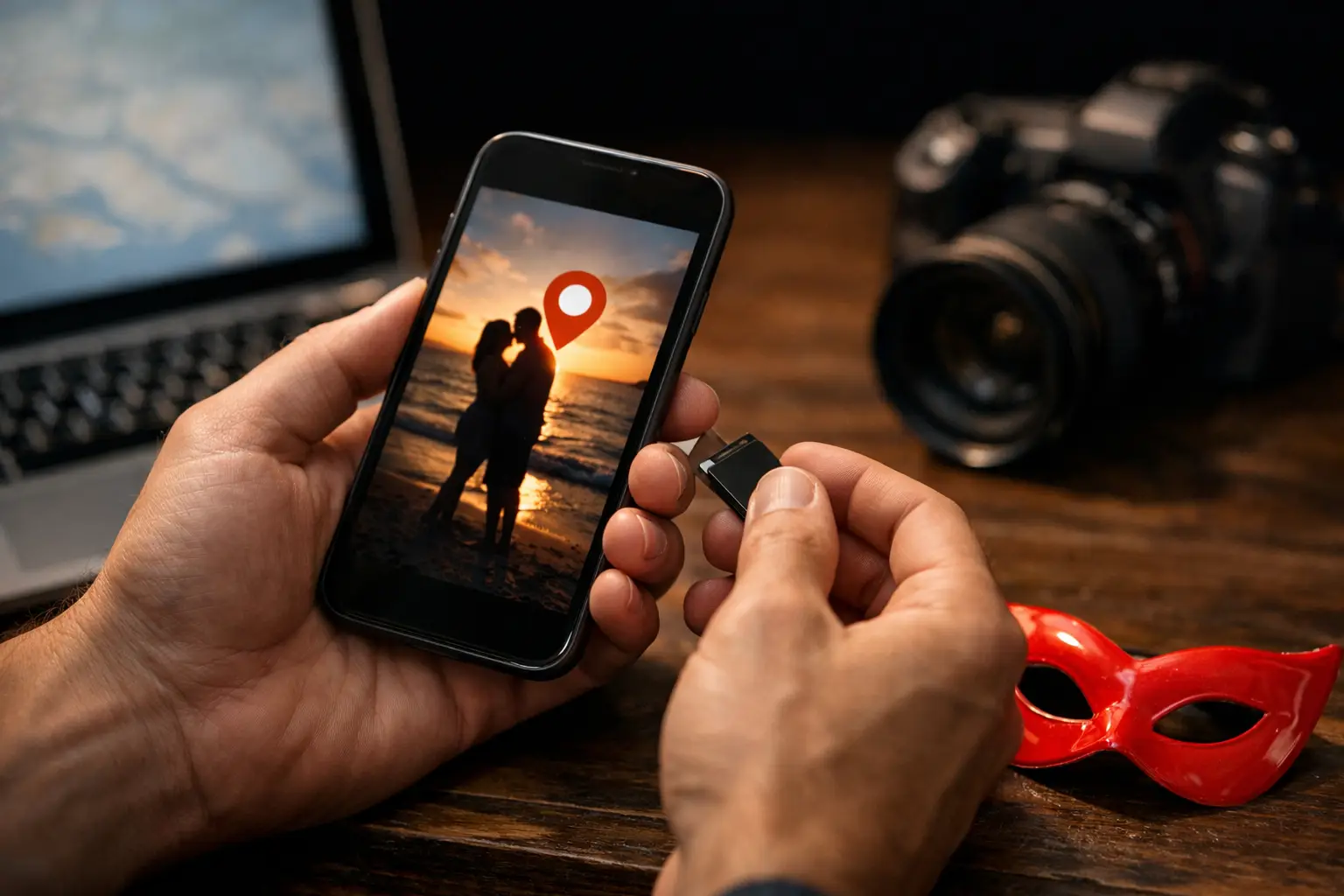
A photo can look completely ordinary while carrying the exact coordinates of where it was taken. That is the practical answer to why remove GPS metadata: a location tag may reveal a home, workplace, regular venue, or private party location to someone you did not intend to inform.
For people in the lifestyle, discretion is often built from small decisions rather than one dramatic security setting. Removing location data from private photos is one of those decisions. It does not make an image anonymous, and it cannot erase details visible in the picture itself. It does prevent a hidden file record from adding precise information that the image does not need to share.
What GPS metadata is actually stored in a photo
Most smartphones can save photo metadata automatically. This information is often called EXIF data, short for Exchangeable Image File Format. It can include the date and time an image was created, device details, camera settings, and sometimes GPS coordinates.
GPS coordinates are the part worth particular attention. When location access is enabled for a camera app, an original photo may contain latitude and longitude data. A person who receives the original file may be able to inspect that data with common photo tools or file-information settings.
The accuracy depends on the phone, its location services, and signal quality. Even an approximate pin can be meaningful when it points to a quiet residential street, a familiar club, a hotel, or a recurring get-together location. The issue is not that every shared image exposes an address. The issue is that the recipient should not receive that information by default when it is unrelated to the photo.
Why remove GPS metadata before sharing private photos?
Private media is often shared in stages. A photo might first go to a conversation, then be saved, forwarded, or reviewed later on another device. Once the original file has left your control, you may not know where its embedded data goes next.
For couples and singles who value separation between their lifestyle life and other parts of life, this matters. Coordinates can connect an image to a place that is not meant to be public: your residence, where you work, a favorite club, or the address of a private event. A photo taken at home can reveal more than the room in frame.
There is also a timing issue. A location tag captures where a photo was taken, not merely where it was sent. An image shared days later can still point to a past location. That makes GPS metadata relevant even when nobody is actively sharing their live whereabouts.
Removing the tag is not about assuming bad intent from every person you meet. It is about deciding what information is necessary for a particular interaction. If the purpose of a photo is to introduce yourself or share a moment, exact coordinates usually add nothing useful.
Location data can reveal patterns, not only places
One location pin may seem minor. A collection of photos can create a fuller picture.
Repeated photos from the same area may identify a neighborhood or regular routine. Images taken around the same time and place can show where parties or get-togethers are held. A person who knows the area may recognize a building, venue entrance, view, or nearby landmark even without coordinates.
Metadata is only one part of that picture, but it can make other clues easier to confirm. A vague street scene becomes more specific when paired with GPS data. A photo from a club becomes more sensitive when its coordinates identify the venue and its timestamp suggests when you were there.
This is why a privacy decision should not stop at “Can someone see my address?” A better question is: “What could this file confirm about me, my partner, or the places connected to us?”
Removing GPS data has limits
Stripping GPS metadata is useful, but it is not a complete privacy plan. It removes one category of hidden information from a file. It does not change what can be seen in the image.
A recognizable exterior, a street sign, a distinctive view from a window, reflections in glass, mail or documents in the background, and a visible vehicle can all reveal location or identity. Timestamps may also matter if they remain attached to a file, especially when they can be matched with other information.
Some services remove certain metadata during upload or display, while others may preserve more of the original file. File handling can also differ between a public post, a direct attachment, an album, and a download. It depends on the service and the sharing method, so it is sensible not to assume that every upload automatically strips location data.
Screenshots often remove much of the original photo metadata, but they are not a dependable privacy tool. They can reduce image quality, retain visible clues, and create a new image with its own date and device information. The safer approach is to check your camera and sharing settings, then choose intentionally what you send.
How to remove location tags from photos
The exact steps vary by phone and operating system, but the process usually happens in one of two places: before the camera creates the photo or just before you share it.
First, review whether your camera has permission to use your location. You may be able to turn off location access entirely or allow it only when you decide it is needed. This prevents new photos from receiving GPS coordinates in the first place.
Second, look for a location-sharing option when sending an image. Many phone photo apps provide a setting to exclude location details from an individual share. This is useful when you want location tagging for personal organization but not for private conversations or social profiles.
For photos already saved, inspect the file information before sharing. Depending on your device, you may be able to edit or remove the location entry. If you use an editing tool, confirm whether it exports a new file without metadata or simply changes the visible image while keeping the original details attached.
If you are sending several images, check more than one. Photos imported from a camera, restored from a backup, or received from another person may carry different metadata than pictures taken directly on your current phone.
When keeping location data can make sense
There are legitimate reasons to keep GPS information in your private library. It can help organize travel photos, remember where an image was taken, or sort a large collection by place. For some people, that convenience is worth having on a personal device.
The distinction is between storage and sharing. A location tag that helps you find your own vacation photos does not need to travel with a photo sent to a new contact. You can preserve the original for yourself and share a copy without location details.
The same applies to event photos. If a host has given attendees a private address, sending coordinates to people who have already been approved may be appropriate. Posting that location broadly, embedding it in photos, or sending it before trust and consent are established is a different decision. Context matters.
Privacy features should reduce the chance of accidental disclosure
A platform can make better defaults possible, but personal review still matters. On Aphrodite, GPS data is stripped from photo uploads. Private media can also be placed in password-protected vault albums, where it is encrypted before upload. Those controls reduce exposure from the uploaded file itself.
They do not replace thoughtful sharing. Before uploading, look at what is visible in the image and consider who will be able to access it. Before arranging a party or get-together, share an exact address only with people the host has approved. Before sending private media, make sure both people understand the boundaries around saving and further sharing it.
For couple accounts, it is also worth agreeing on a shared approach. One partner may be comfortable sharing a photo from a venue while the other prefers no location clues at all. A short conversation before posting avoids having to manage that difference after an image is already circulating.
A simple habit that protects more than one photo
Make location review part of the same routine as checking a photo’s background. Pause before you send it, check whether the setting includes location, and ask whether the recipient needs to know where it was taken. That takes seconds once it becomes familiar.
Discretion does not require disappearing from the community or avoiding genuine connection. It means sharing the details that support the connection and keeping the unnecessary ones yours.